Exploring the Customizable Pride Luminance Face in watchOS 26.5
Introduction
watchOS 26.5 brings a striking new addition to the Apple Watch ecosystem: the Pride Luminance face. More than a simple tribute to diversity, this watch face offers an unprecedented level of personalization, allowing users to craft a look that truly reflects their identity. With options ranging from vibrant rainbow palettes to subtle monochrome tones, the Luminance face stands out as one of the most flexible and expressive faces Apple has released.
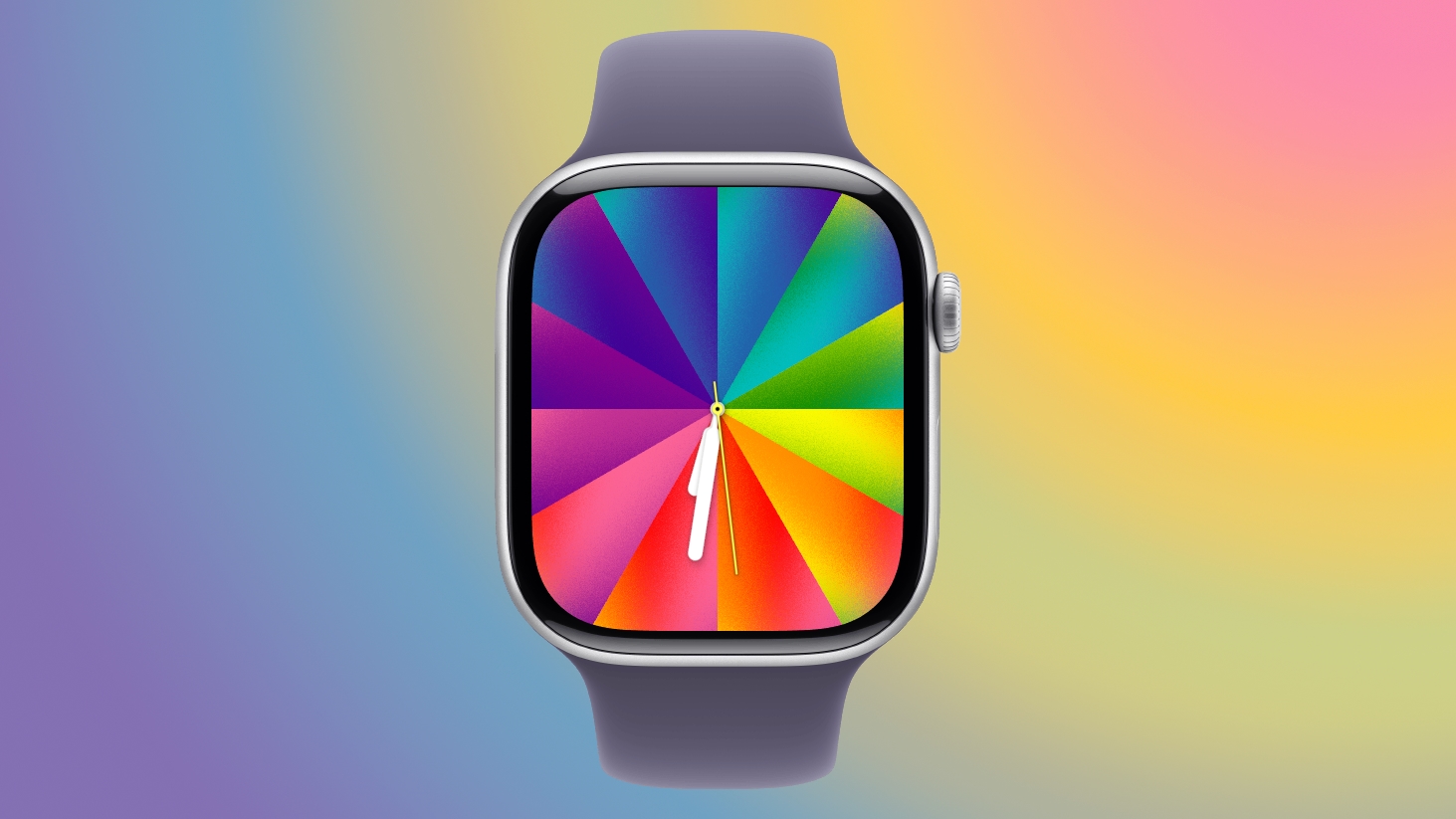
Deep Color Customization
Choosing Your Palette
The heart of the Luminance face is its color selector, which lets you pick between 1 and 12 colors from a broad spectrum. The palette includes all standard rainbow hues, plus intermediate shades, as well as black, white, brown, and gray. This inclusive range ensures you can create everything from bold, vibrant displays to subtle, elegant combinations. Whether you are matching a favorite outfit, showing team spirit, or simply expressing your mood, the freedom is yours.
Gradient Styles: Radial and Linear
Once you have selected your colors, they are distributed across the face as a gradient. You can choose between two distinct styles: radial and linear. The radial style creates a starburst effect, with colors radiating outward from a central point, while the linear style arranges colors in a series of rectangular bands. Both options produce a fluid transition between shades, and the choice dramatically alters the watch face's character.
Dial Configuration Options
The Luminance face offers two dial configurations to suit different preferences. The Rectangle mode spreads the color gradient edge-to-edge, maximizing visual real estate for the colors. Alternatively, the Circle mode uses a smaller, round dial that leaves room for up to four complications. This flexibility means you can prioritize aesthetics or functionality—or find a balance between them.
Animated Experience
Like many of Apple's premium watch faces, the Luminance face is animated. When your wrist is lowered, the colors compress into thin, elegant lines against a black background. As you raise your wrist, the full, vibrant palette expands into view. Additionally, the colors shift slowly over time, creating a subtle, dynamic effect that keeps the face feeling alive. This animation adds a layer of sophistication and makes the watch feel responsive to your movements.
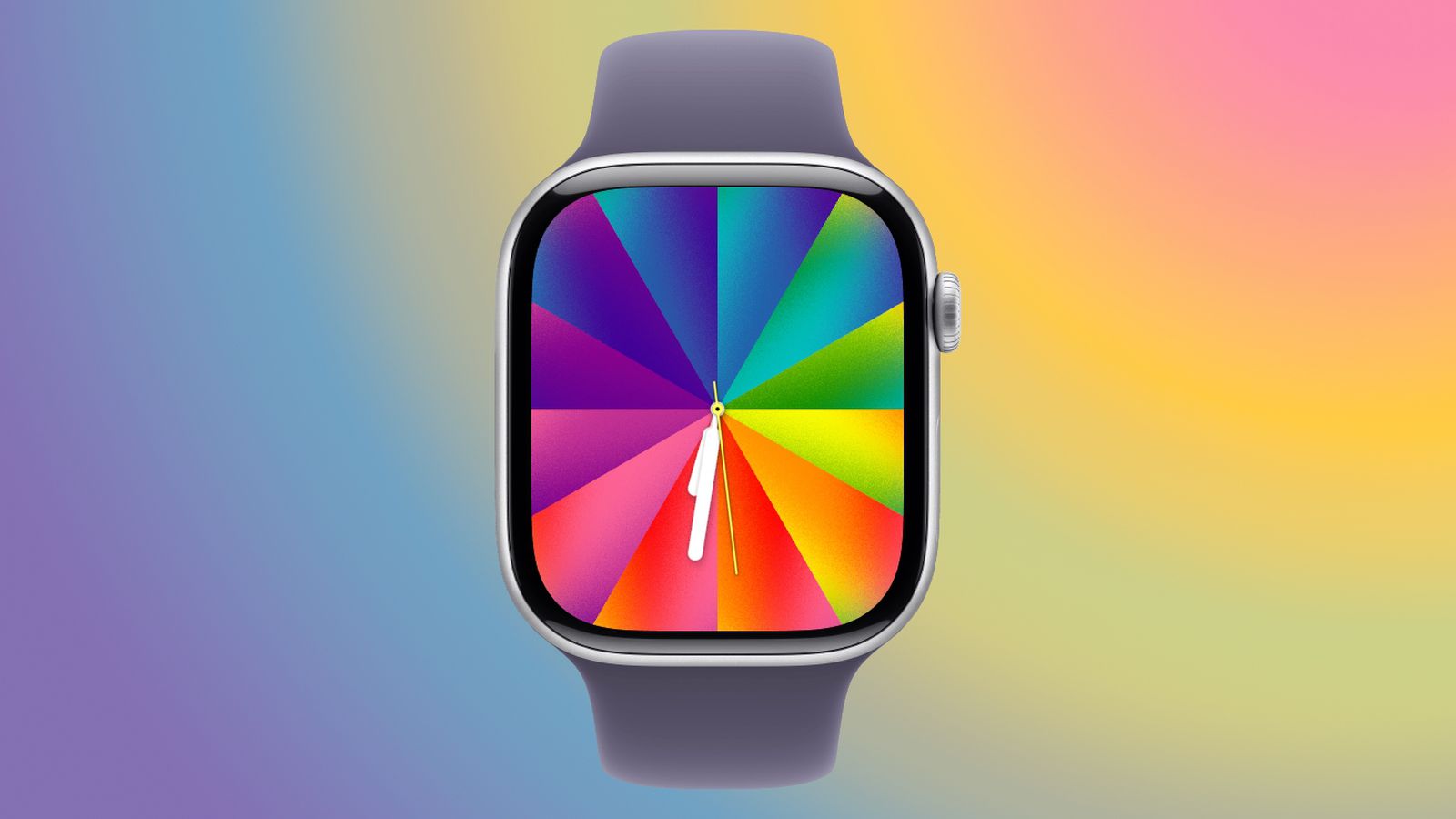
A Canvas for Self-Expression
Apple pre-configures several color sets inspired by different Pride flags, but the real power of the Luminance face is its customization. By selecting your own colors, you can match the watch to your clothing, show support for a sports team, or simply display your favorite palette. The ability to include black, white, brown, and gray also allows for more muted or professional looks. This versatility makes the face suitable for any occasion, from casual daily wear to formal events.
Matching Wallpaper on iOS 26.5
The experience extends beyond the watch. iOS 26.5 introduces a matching Pride Luminance wallpaper for iPhone, with the same customization options. You can choose up to 12 colors for the Lock Screen and Home Screen. On the Lock Screen, the colors collapse into thin lines when the device is locked, mirroring the watch face animation. This creates a cohesive visual theme across your Apple devices.
How to Get the New Watch Face
To access the Pride Luminance face, you need both iOS 26.5 and watchOS 26.5 installed. Apple has already released release candidates (RCs), and the public versions are expected to roll out as soon as next week. After updating, the new face will appear in the watch face gallery. Given its rich customization and meaningful design, it is likely to become a favorite among users.
Related Roundup: watchOS 26
Related Articles
- How to Build Accessible Tooltips with the Native Popover API
- TikTok’s Recommendation Algorithm: A Republican Lean in the 2024 Election
- 10 Powerful Features in MerMark Editor v0.2.0 You Should Know About
- How AI Is Revolutionizing Pest Outbreak Prediction for Farmers
- Gateway API v1.5: Key Features Move to Stable - A Q&A Guide
- How to Access and Use the Revamped Windows 11 Run Menu with Dark Mode and the New User Directory Command
- AWS Launches Claude Opus 4.7 and Interconnect GA in Major Cloud Infrastructure Update
- 7 Ways the gcx CLI Revolutionizes Terminal-Based Observability for You and Your Agents