Harnessing AI Agents to Amplify Domain Expertise: A Step-by-Step Deployment Guide
Overview
In today's data-rich business environment, a single expert can only oversee a fraction of the decisions they're qualified to make. Take a senior procurement manager: she may capably requalify 200 suppliers using delivery trends, quality incidents, contract renewals, and subtle signals—but the company has 2,000 suppliers. The gap between human capacity and organizational need is a bottleneck for scalability. Trusted AI agents offer a solution by encoding human expertise into digital assistants that can operate across the full dataset, flagging patterns and recommending actions at scale. This tutorial walks you through building and deploying such an agent—from defining the expertise domain to integrating trust mechanisms—using a procurement requalification scenario as a concrete example.
Prerequisites
Before diving into implementation, ensure you have the following:
- Access to relevant data sources – For the procurement use case, you'll need supplier records, delivery history, quality incidents, contract dates, and any unstructured notes or communications (e.g., emails, meeting logs).
- Basic AI/ML tooling – Familiarity with Python, a machine learning framework (scikit-learn, TensorFlow, or PyTorch), and a data processing library (Pandas).
- Domain expert availability – A subject matter expert (SME) who can articulate decision criteria and validate agent outputs.
- Compute infrastructure – A local machine for prototyping or cloud environment (AWS, GCP, Azure) for production deployment.
- Clear success metrics – Define how you'll measure agent performance (e.g., accuracy, time saved, number of decisions processed).
Step-by-Step Instructions
Step 1: Define the Expertise Domain and Decision Framework
Start by mapping out the decision your AI agent will automate. With your SME, list the explicit criteria (like delivery trends, open quality incidents, contract renewals) and implicit signals (e.g., a plant manager who overstates defects). Structure these into a decision framework:
- Inputs: structured data fields (e.g., on-time delivery %, number of open incidents, contract end date) and unstructured text (e.g., manager comments).
- Rules: deterministic thresholds (e.g., "if on-time delivery < 80% then flag for requalification").
- Weights: relative importance of each signal.
- Edge cases: exceptions where the expert would override rules (e.g., a strategic supplier with poor delivery).
Document this framework as a reference for the agent's design.
Step 2: Collect and Structure the Data Signals
Gather historical data that includes both decisions (requalified or not) and the associated signals. Clean the data:
- Normalize date formats, handle missing values.
- Encode categorical variables (e.g., supplier region, manager type).
- Extract features from unstructured text using NLP (e.g., sentiment analysis on manager notes).
Example code snippet (Python with Pandas):
import pandas as pd
from sklearn.feature_extraction.text import TfidfVectorizer

df = pd.read_csv('supplier_data.csv')
# Create feature for sentiment score from 'manager_notes'
vectorizer = TfidfVectorizer(max_features=100)
text_features = vectorizer.fit_transform(df['manager_notes'])
df['sentiment'] = text_features.mean(axis=1)   # simplified

# Handle missing delivery trend
df['on_time_delivery'] = df['on_time_delivery'].fillna(df['on_time_delivery'].median())
Ensure the dataset includes the correct label (the actual requalification decision made by the expert) for training.
Step 3: Build the AI Agent Model
Choose an appropriate model type. For a decision support agent, a gradient-boosted tree (e.g., XGBoost) often works well because it handles mixed data types and provides interpretability. Train the model on 80% of historical data, validate on 20%.
Example training code:
import xgboost as xgb
from sklearn.model_selection import train_test_split

X = df.drop('requalify', axis=1)
y = df['requalify']
X_train, X_test, y_train, y_test = train_test_split(X, y, test_size=0.2, random_state=42)

model = xgb.XGBClassifier(objective='binary:logistic', n_estimators=100, max_depth=4)
model.fit(X_train, y_train)
accuracy = model.score(X_test, y_test)
print(f'Accuracy: {accuracy:.2f}')
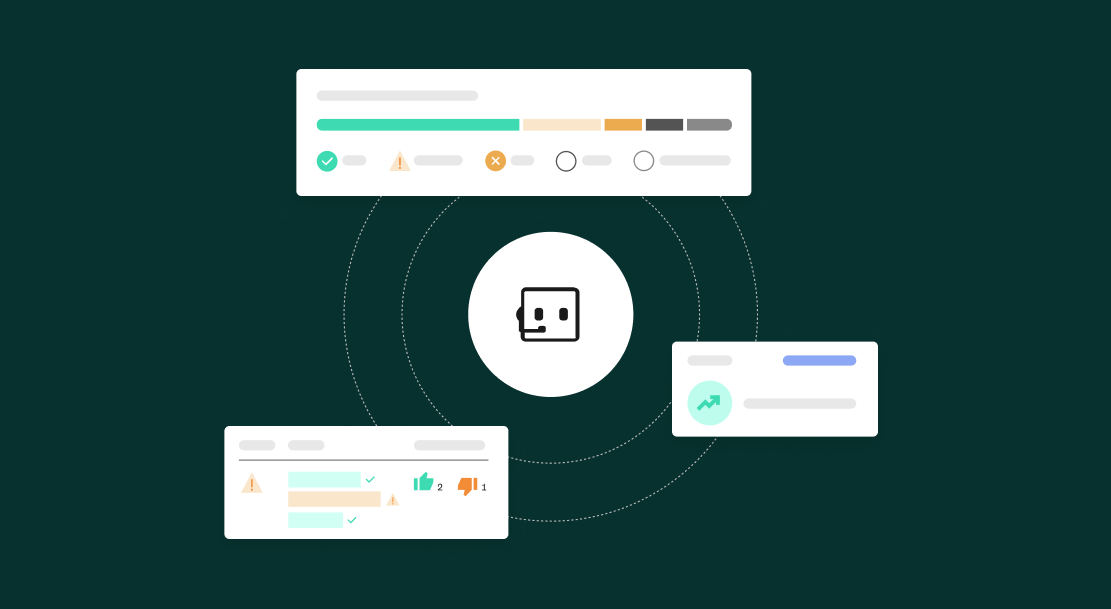
This agent now approximates the human expertise. But to be trusted, it must explain its reasoning.
Step 4: Integrate Trust Mechanisms
Trust requires transparency. Add two key components:
- Feature importance: Show which signals drove each decision using SHAP values.
- Confidence thresholds: Define a confidence score below which the agent defers to the human expert. For example, if probability < 0.7, escalate.
Example of adding SHAP explanation:
import shap
explainer = shap.Explainer(model)
shap_values = explainer(X_test)
# For a single decision:
print(shap_values[0].plot(type='waterfall'))
Also implement a feedback loop: allow the human to correct the agent's decisions and retrain periodically.
Step 5: Deploy and Monitor
Package the model into an API using FastAPI or Flask. Deploy it on a production server or container (Docker). Create a dashboard where users can see agent recommendations, explanations, and override options.
Example API endpoint:
from fastapi import FastAPI
from pydantic import BaseModel

app = FastAPI()
class SupplierInput(BaseModel):
    on_time_delivery: float
    quality_incidents: int
    contract_end_days: int
    manager_sentiment: float

@app.post('/recommend')
async def recommend(data: SupplierInput):
    import numpy as np
    features = np.array([[data.on_time_delivery, data.quality_incidents, data.contract_end_days, data.manager_sentiment]])
    prob = model.predict_proba(features)[0][1]
    explanation = explainer.shap_values(features)
    return {'requalify': bool(prob > 0.5), 'confidence': float(prob), 'explanation': explanation}
Monitor metrics: precision, recall, and user acceptance rate. Retrain monthly with new decisions to adapt to changing business contexts.
Common Mistakes
- Ignoring implicit signals: Relying only on structured data misses the softer expertise (e.g., manager behavior). Include unstructured data through NLP.
- Overfitting to the expert: The model may replicate the expert's biases. Validate against ground truth outcomes, not just human decisions.
- No confidence threshold: Deploying the agent without a deferral mechanism leads to false recommendations eroding trust.
- Neglecting to document edge cases: Without explicit handling, the agent may misclassify strategic suppliers.
- Failing to retrain: Business conditions change; a static model loses accuracy.
Summary
Building a trusted AI agent to scale business expertise involves translating nuanced human decision-making into a data pipeline and model, then adding transparency and human-in-the-loop safeguards. By following these steps—defining the domain, structuring data, training an interpretable model, integrating trust mechanisms, and deploying with monitoring—you can extend a single expert's capability to hundreds or thousands of cases. The result is faster, consistent decision-making that retains the wisdom of your best people.
Related Articles
- From Crypto Wallet to Everyday Finance: How Bitget Wallet Aims to Rival Neobanks
- Brazil's Pix Revolution Faces New Challenges from Visa and Mastercard
- Unlocking Procurement Expertise with AI Agents: Your Questions Answered
- Marqeta Director Reduces Stake: Implications for Investors and the Fintech Landscape
- How to Prepare for DTCC's Tokenized Securities Pilot: A Step-by-Step Guide
- Palantir Stock Plunges After Strong Earnings: 7 Key Questions Answered
- Record Preschool Funding Masks Growing Quality Gap, Report Warns
- JPMorgan Doubles Down on Ethereum with Second Tokenized Money Market Fund